

You can now upload the entire NBC calendar to your phone, or choose to add only specific team or group schedules.
Follow these steps:
Go to NBTIGERS.ORG on your phone
Click on "Explore"
Click "Calendars"
Select "Event Calendar"
Click on the "Subscribe to a Schedule Button"
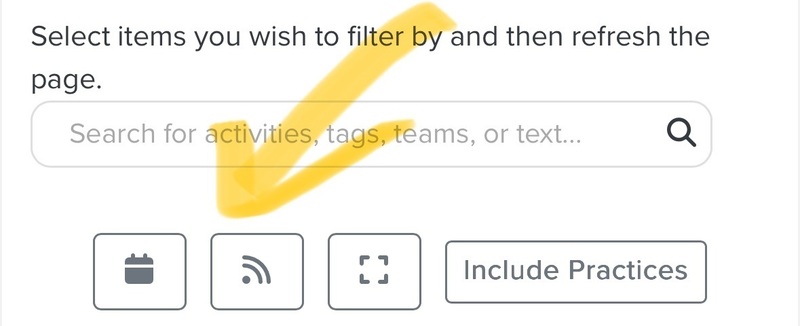
Here you can select any or all of the schedules you'd like to put onto your phone's calendar. Then scroll down to click the green button "Generate Calendar Links"
Select "Copy Calendar Link"
Open your phone calendar* Google Calendar may differ slightly from this point on.
Select "Calendars" at the bottom of the month view.
Select "Add Calendar"
Select "Add Subscription Calendar"
Paste the URL you copied into the Subscription URL blank spot and click on "Subscribe"
Follow prompts to customize if your preferences.
Ta-da!